


Solo
You against three computer players, all at the level you choose.
1 player · 4 seatsCollect the world. Four cards at a time.
Prove you know every one. A geography card game of quartets: ask for the countries you need, answer a question to win each card, and keep every country you earn in your own atlas.
Friends & family preview ·
Direct download for Android. The iPhone app is in beta testing.
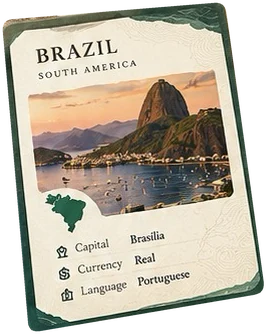
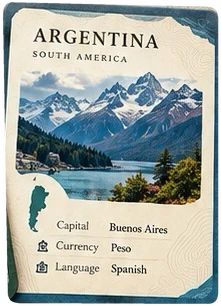
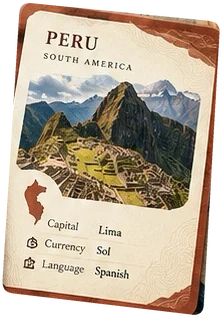
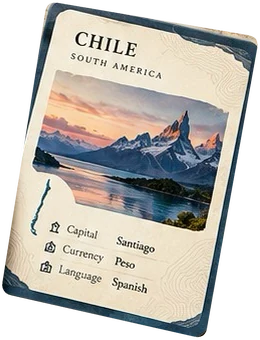
How it works
Part quartet card game, part geography quiz. Luck deals you the family; knowledge wins you the rest.
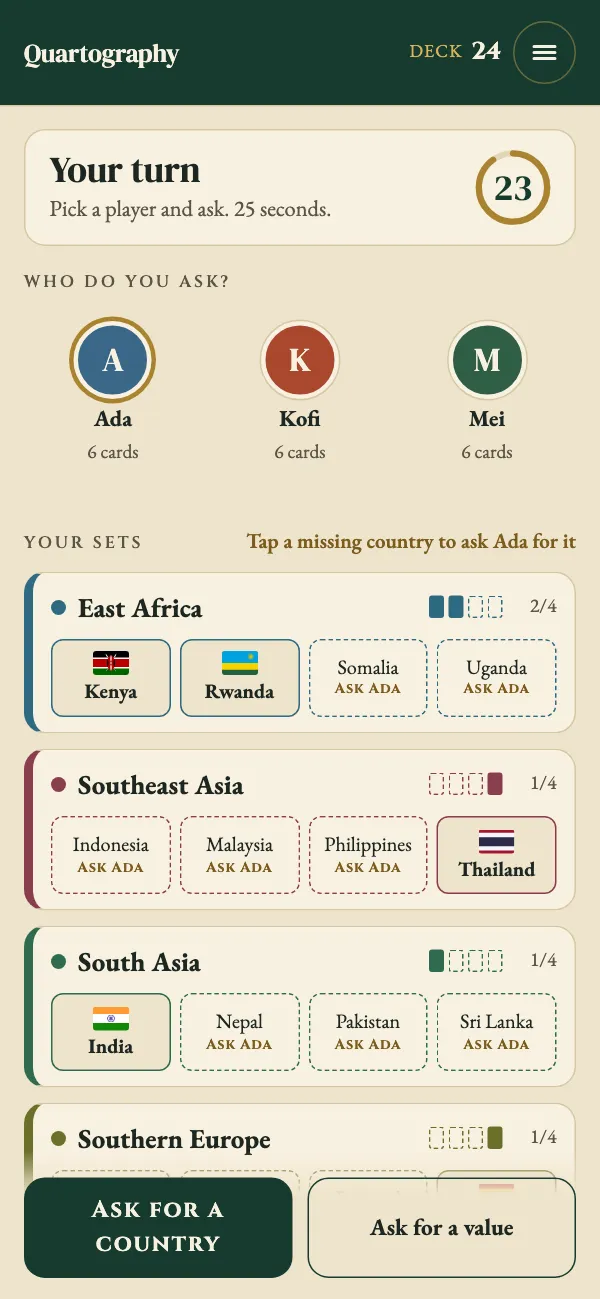
On your turn, ask any player for a country you need for your set: one missing from a family you hold, or one sharing a currency, language or faith already in your hand.
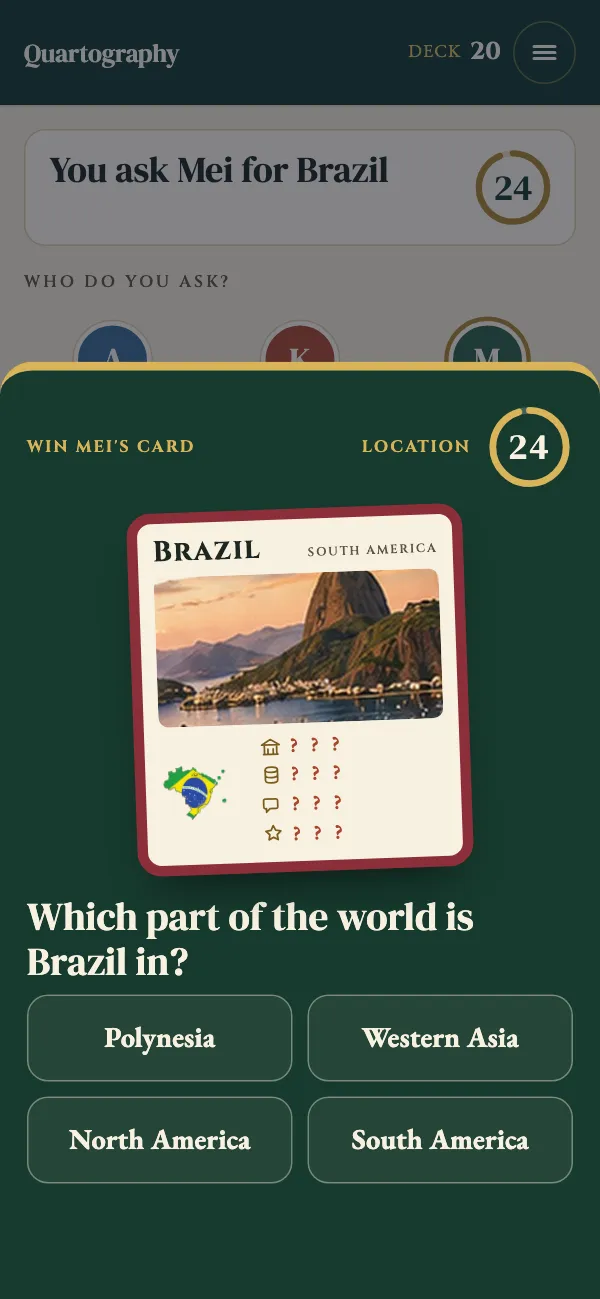
Win the card by answering a question about it. Four options, 25 seconds, no looking it up. Right, and the card is yours and you ask again. Wrong, and they keep it.
Win with one family quartet (four from one region) and one attribute quartet (four that share a currency, a language or a faith). Every country you win by answering is kept in your atlas for good, until all 194 are yours.
All four countries of one curated family, such as China, Japan, Mongolia and South Korea.
Any four countries that share one currency, language or faith, such as four countries that use the euro.
Watch a turn
Seventeen seconds of a real game in the app:
Game modes
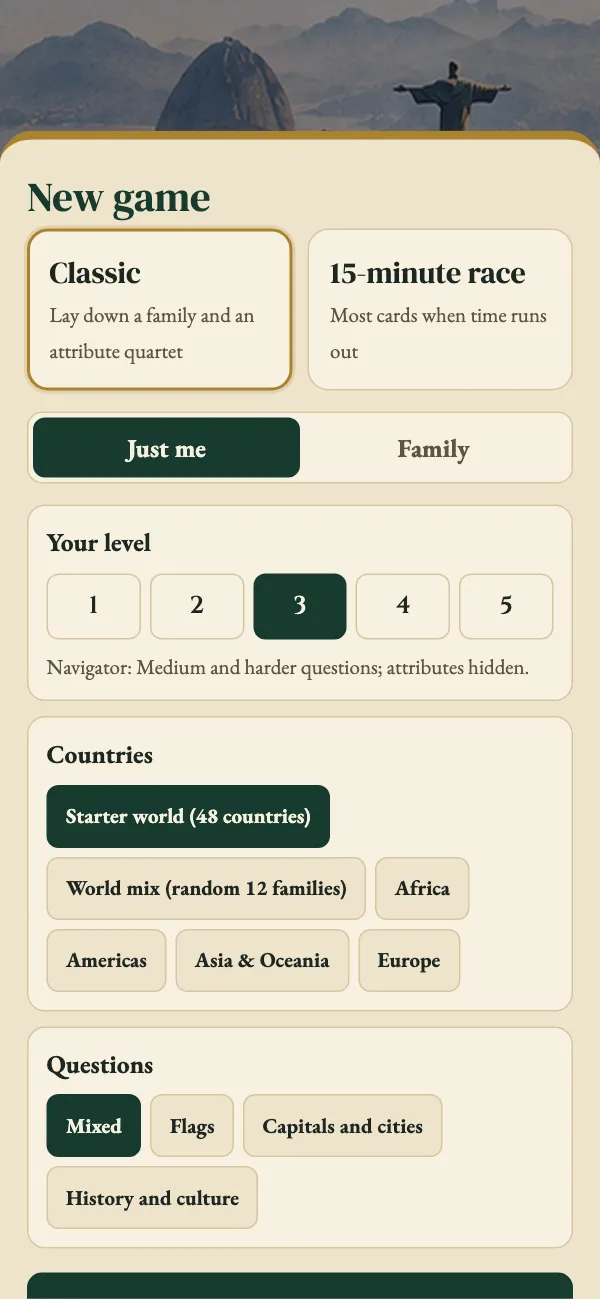
Choose who is at the table and how the game is won before every game.
You against three computer players, all at the level you choose.
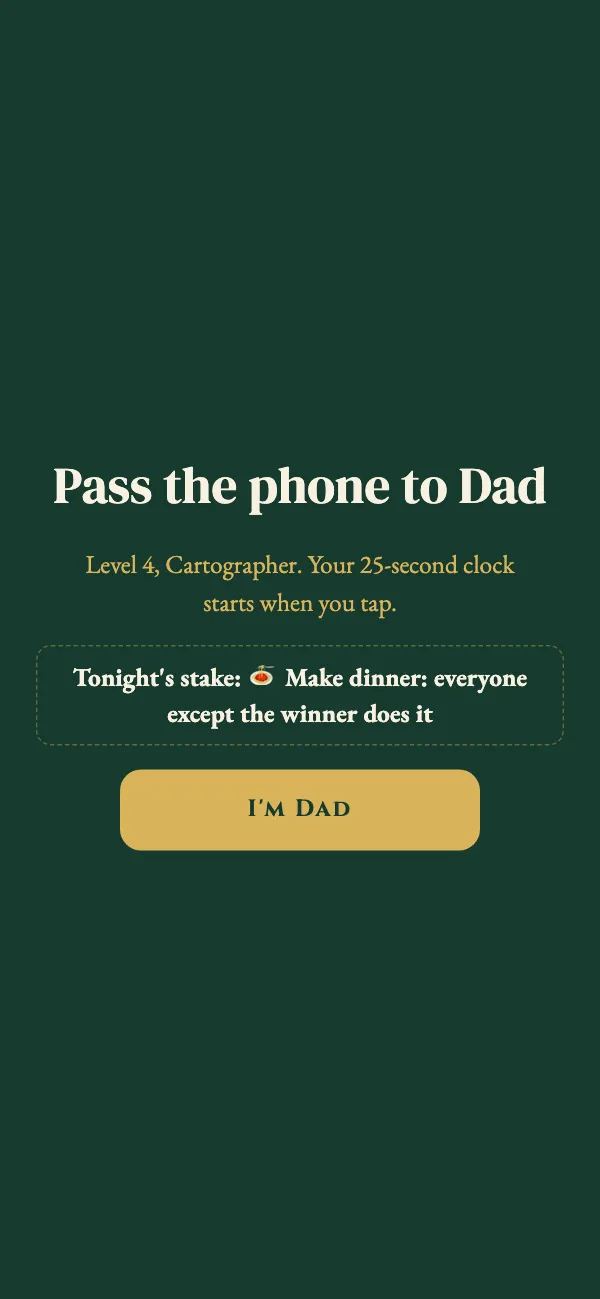
1 player · 4 seats2 to 6 people pass one phone, each at their own level. Pick who’s playing from your family; cards hide while the phone is passed, and computer players fill empty seats up to four.
2–6 players · one phoneBe the first to lay down one family quartet and one attribute quartet: eight different cards in total.
First to two quartetsHold the most cards when the clock runs out. Quartets you have laid down count and are safe.
Most cards winsFive levels
From mostly easy questions with card details shown, to the hardest questions where you must know your own cards' currency, language and faith.
New · Your family
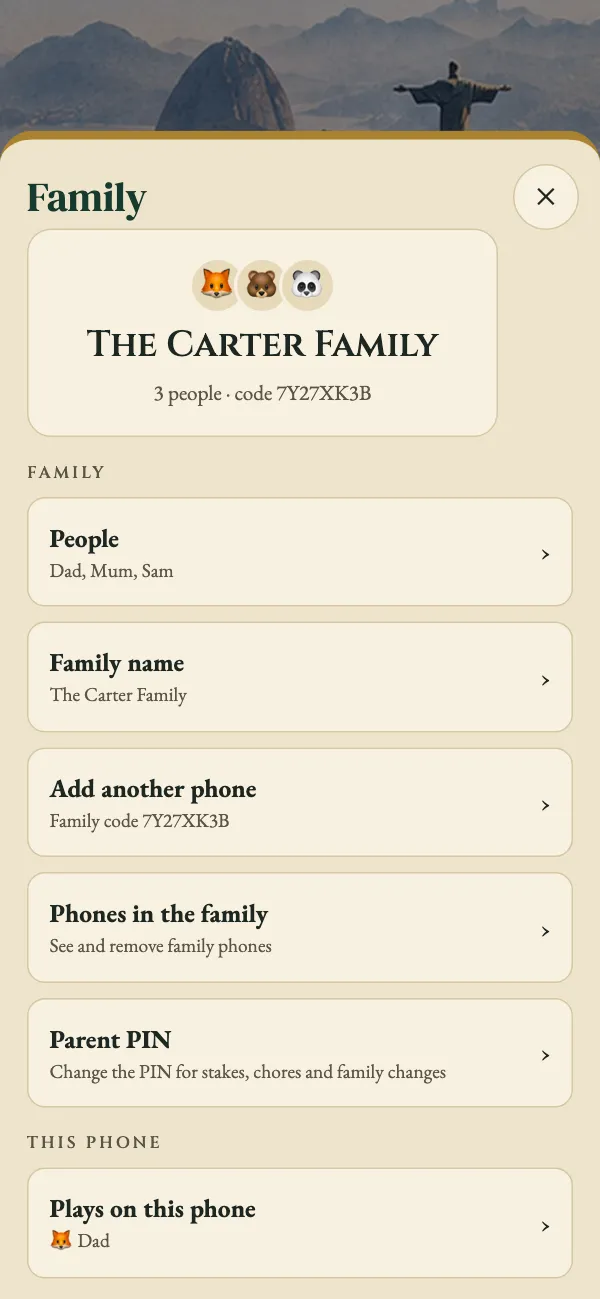
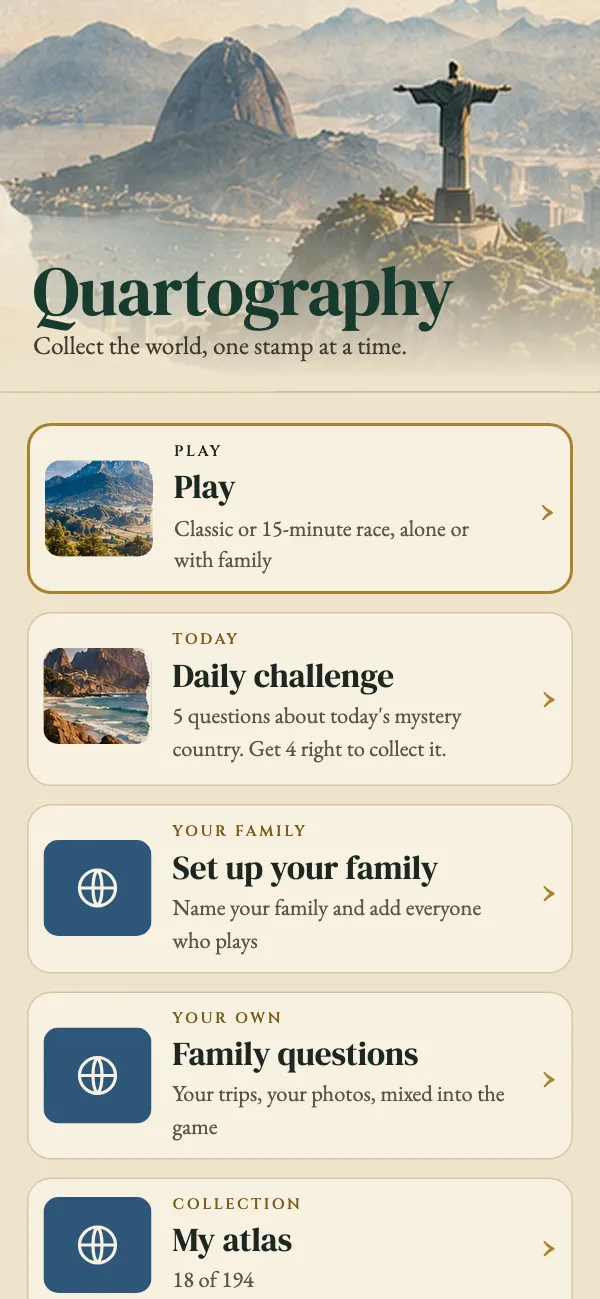
Set up your family once: its name and the people who play. Then add every family phone with a code, and each person’s atlas is the same on all of them.
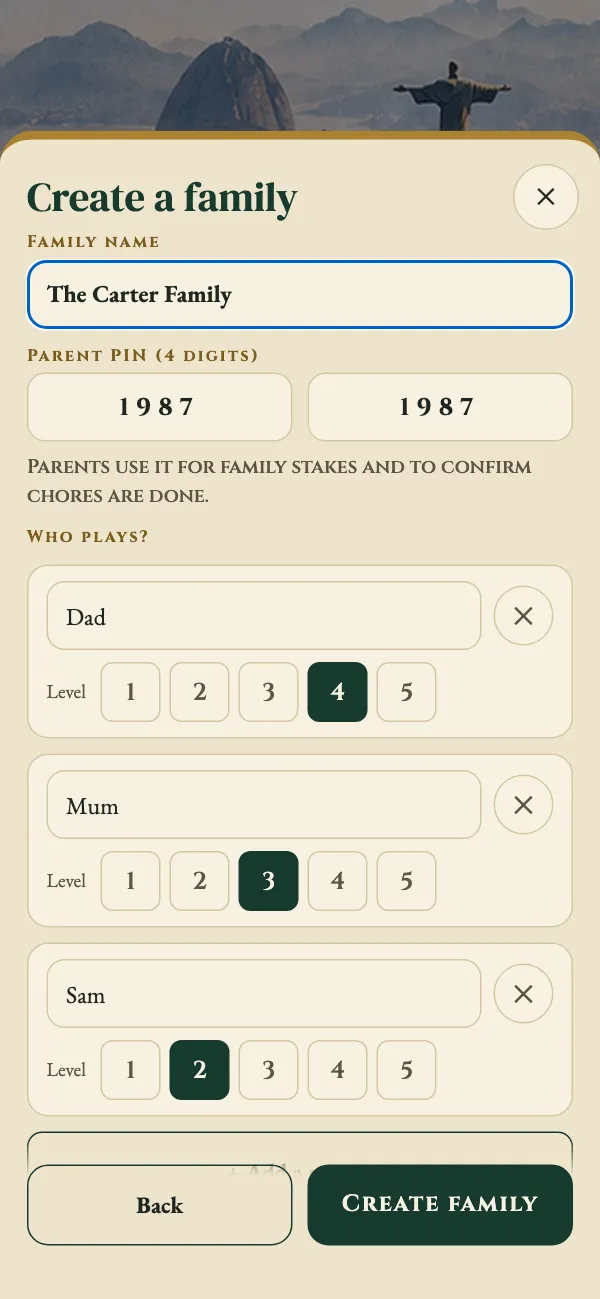
On the first phone, tap Your family. Name the family, set a parent PIN, and add everyone who plays, each at their own level.
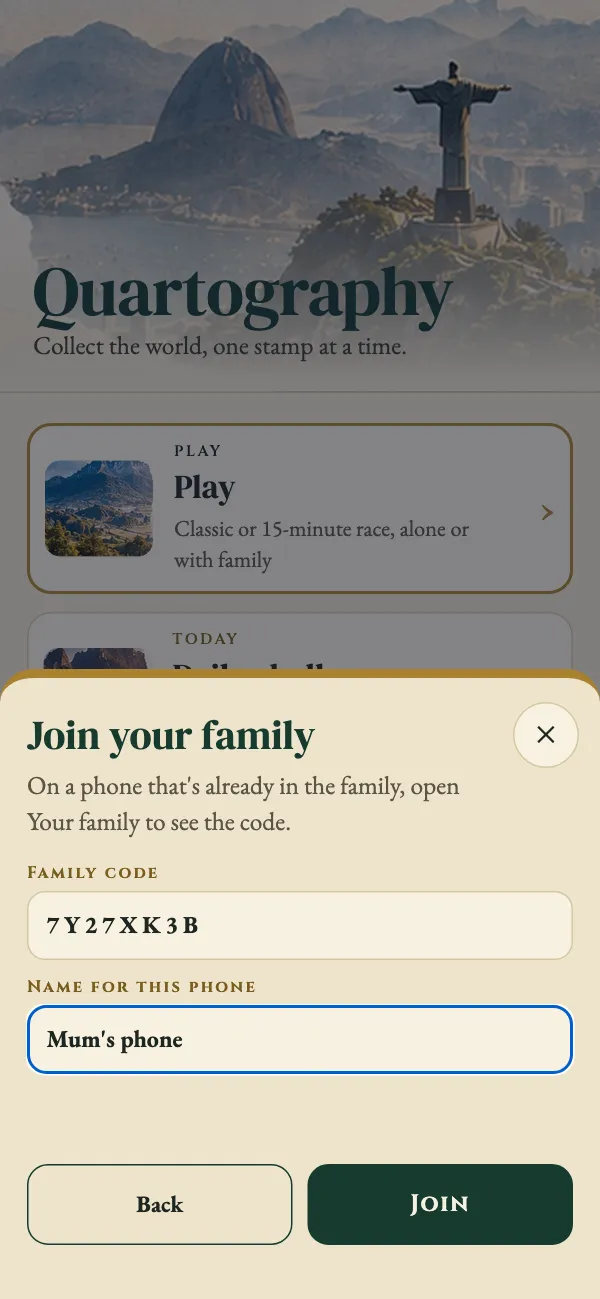
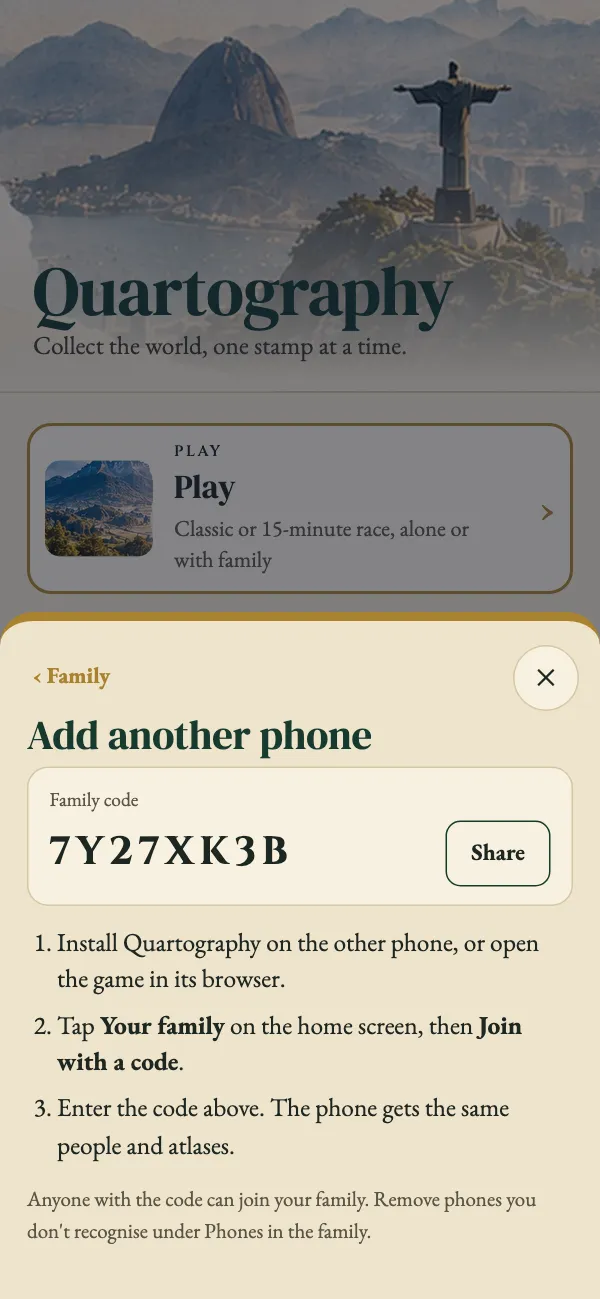
On another phone, tap Join with a code and type the family code shown on the first phone. Then pick who plays on it.
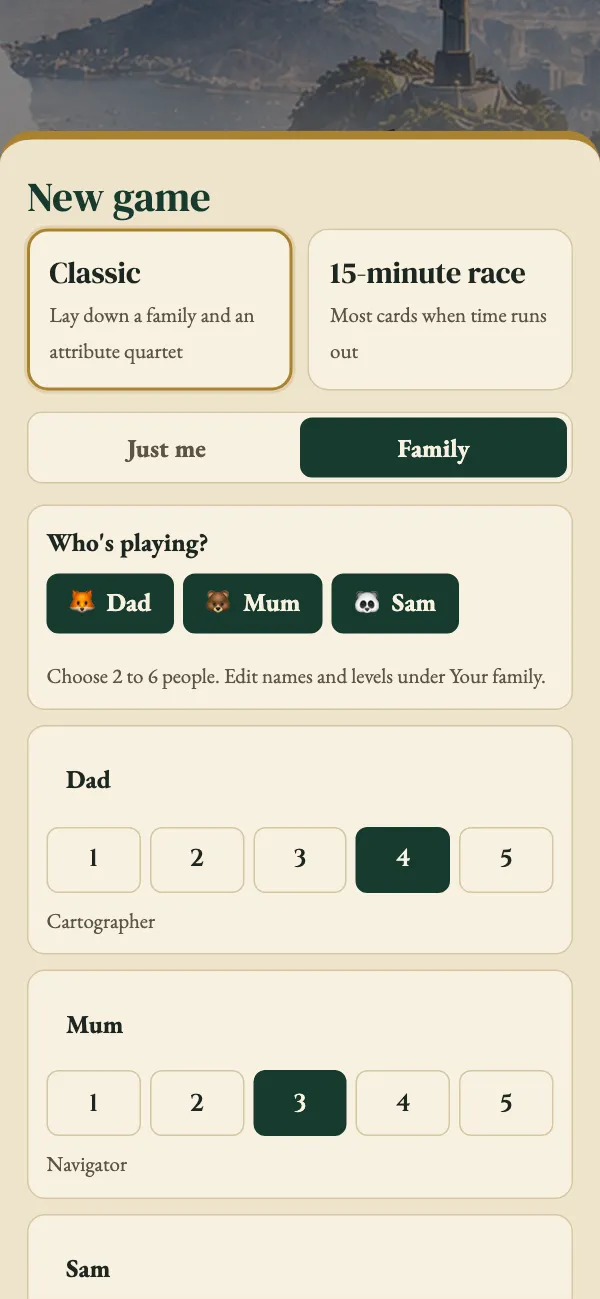
Start a Family game and choose Who’s playing? Names and levels come from your family; change a level for one game if you like.
Watch it
Features
Everything you need for one quick game or a long campaign around the globe.
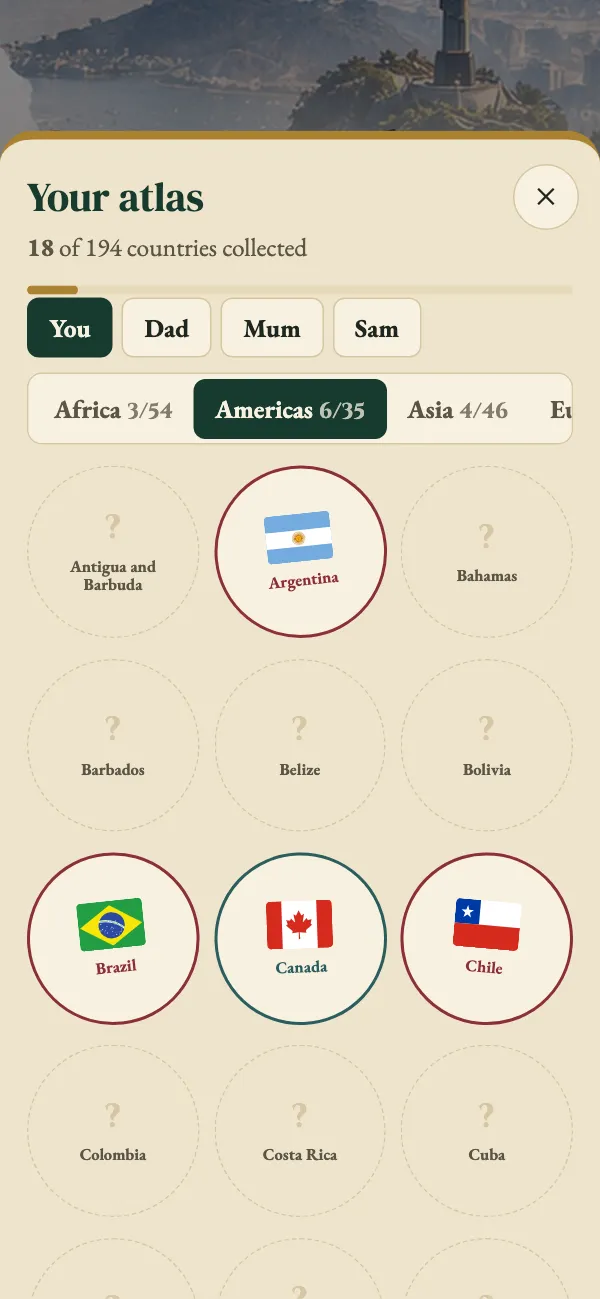
Every country you win by answering is kept for good, for each player. There are 194 countries to collect: the 193 UN members plus Vatican City.

Five questions about one mystery country each day. Get four right to collect it, and keep your streak going.
Add your own questions, with a photo if you like: “Where were we when this was taken?” Your trips and memories mix into the game, about one question in three. Photos stay on your phone.
Put a real chore or treat on a Family game: do the dishes, walk the dog, or pick tonight's film. A parent PIN guards the family's own list and confirms chores are done.
Play them mixed, or pick flags, capitals and cities, or history and culture.
Start with the starter world of 12 families and 48 countries, deal a world mix of 12 random families, or play a single region.
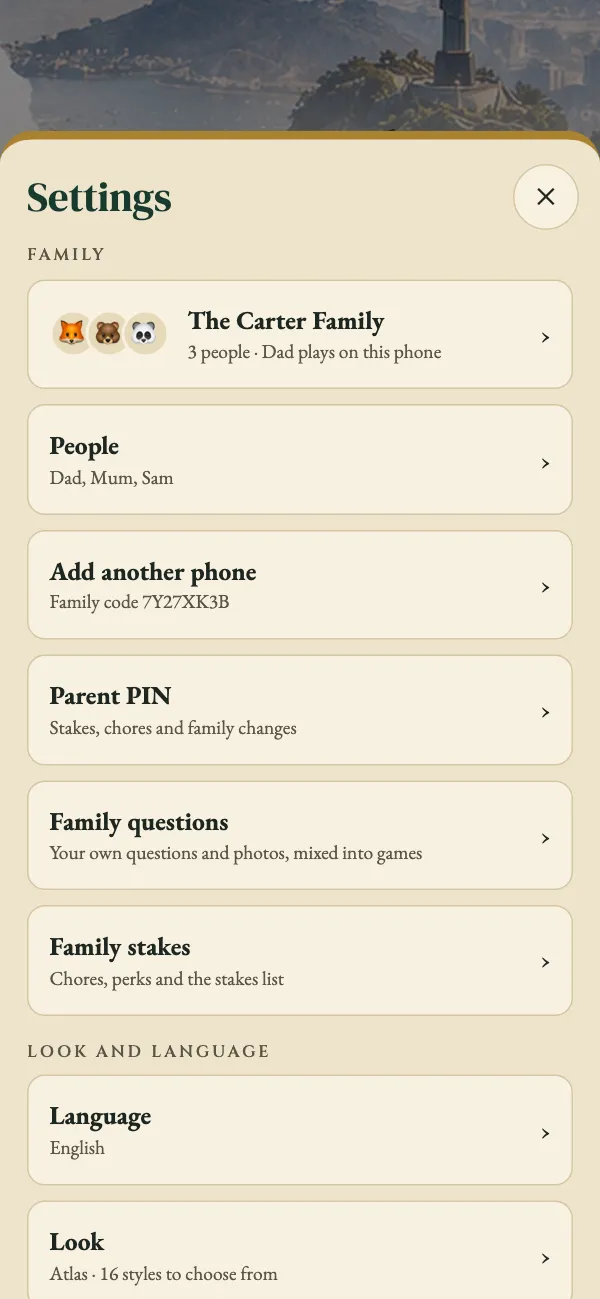
Choose a visual style, from Night atlas to Boarding pass, and play in English, Hebrew, Arabic, French, Spanish or German. Both are in Settings.
No download needed: play in the browser, add it to your phone's home screen, and after the first load it works without a connection.
Screens
Real screens from the app. Swipe for more.
FAQ
No. Quartography plays in your phone or computer browser. On a phone you can add it to your home screen, and after the first load it works offline.
The apps are in a friends-and-family preview from 12 October 2026. On Android, download the app directly from this page (an APK file; your phone will ask you to allow the install). The iPhone app is in beta testing on TestFlight. App Store and Google Play listings come later. The browser game has the same cards, questions and modes.
Solo is you against three computer players (Ada, Kofi and Mei). Family is 2 to 6 people sharing one phone; with 2 or 3 people, computer players fill the seats up to four. A family can have up to 12 people and any number of phones.
Each person picks a level from 1 (Explorer) to 5 (Atlas master). At levels 1 and 2 questions are easier and each card's currency, language and faith are shown; from level 3 they are hidden and you need to know them.
An optional chore or treat that rides on a Family game. Before the game you choose whether the winner is excluded or last place does it. Only people take on stakes, never computer players, and a parent confirms each chore with a PIN.
On your device. If you set up your family, each person’s atlas is also kept on the family server and shared between your family phones, so it’s the same on all of them. Streaks, settings and the stakes list stay on each device.
On the home screen tap Your family, then Create a family: give it a name, set a 4-digit parent PIN and add the people who play. On every other family phone tap Your family, then Join with a code, and type the code shown under Add another phone. Everything is managed later in Settings.
On any other family phone open Settings, then Phones in the family, and remove it with the parent PIN. It’s signed out of your family the next time it connects.